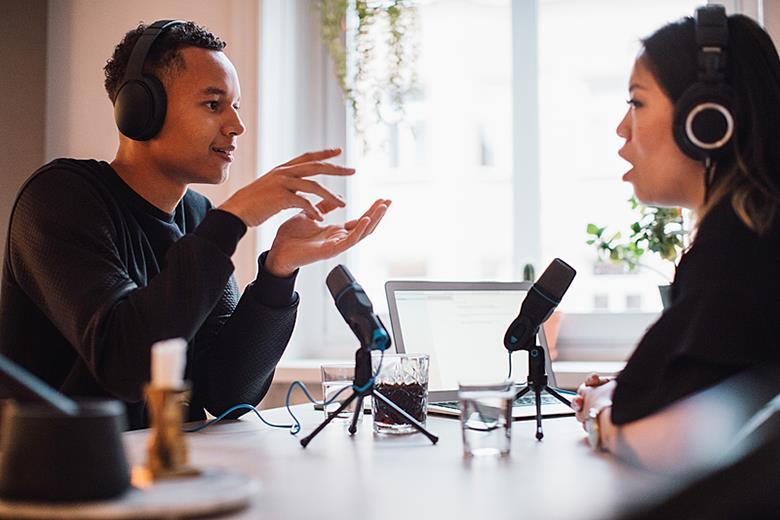
As part of the integrated skills series of video projects, Jackie McAvoy provides some top tips for recording audio and video.
Source: Getty Images/Maskot
Recording a video
- The easiest way to do this is with a digital camera or mobile phone. This should be on a flat surface so that the head and shoulders of the speaker can be clearly seen.
- Don’t hold the camera in your hand as it will shake.
- Consider the background; a plain wall is better than a messy noticeboard, for example.
Making an audio recording
- Turn off anything in the room that’s making a noise: the air conditioning, the strip lighting, computer fan, fridge etc. These can make a buzzing sound in the background.
- If you’re using a microphone make sure that it’s not too close to the speaker’s mouth as this can cause a horrible ‘popping’ sound, especially with words beginning with p or b. 20-30cm is probably a good distance.
Both
- Try not to record in a room that has a lot of echo. A room with carpets and curtains is better.
- Recording outside is fine, just make sure there’s no disturbing background noise like traffic or people chatting. The speaker will probably need to talk a little louder.
- The speaker should be as natural and relaxed as possible, so practise a lot before starting. Speaking fluently is better than worrying about being accurate.
Have fun doing this!